Available for Chrome and Figma
Turn any web page into editable Figma layers.
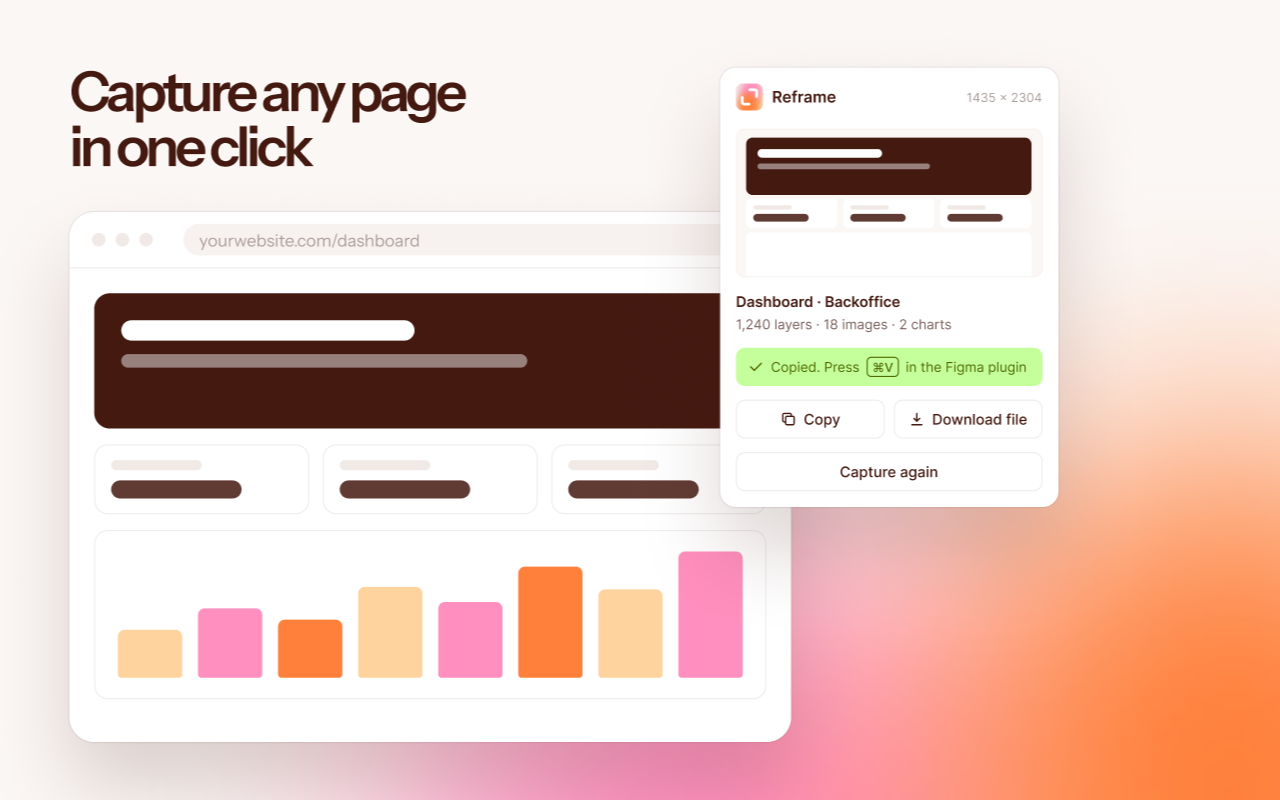
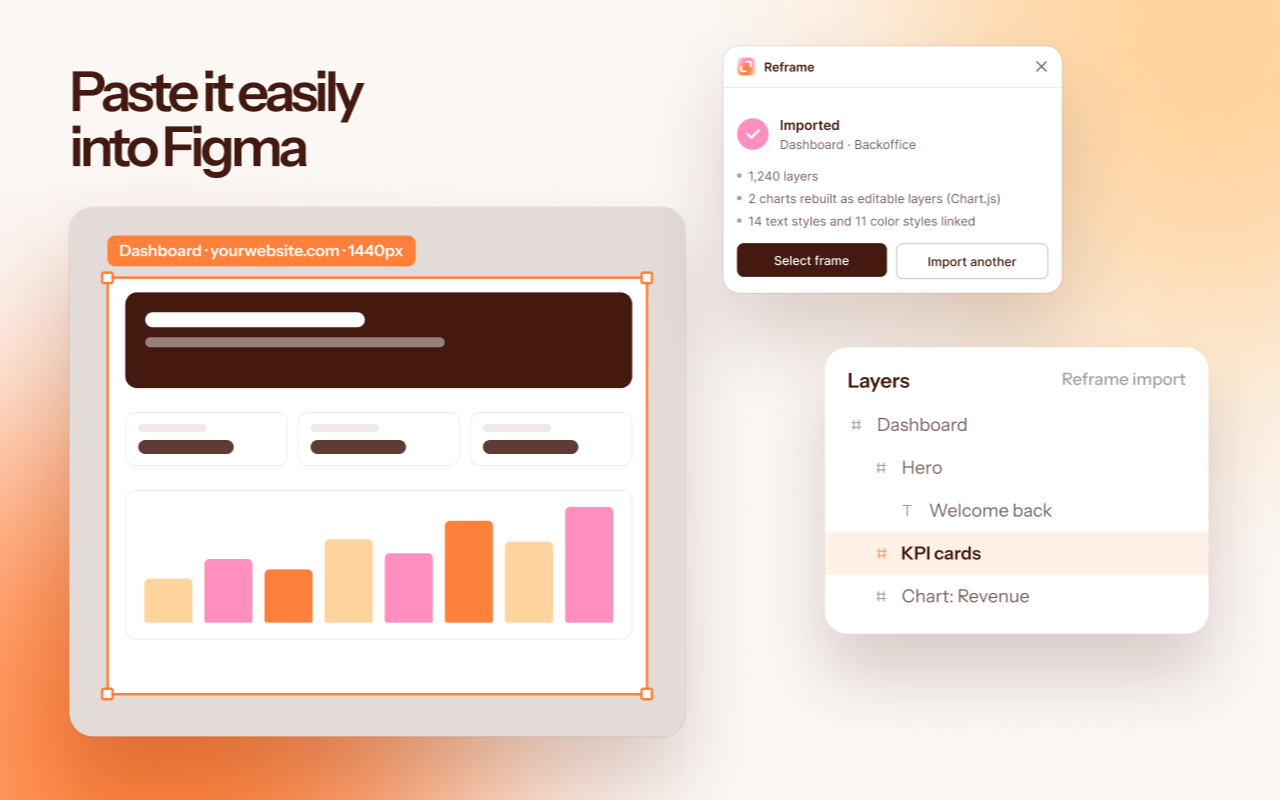
Capture a page in Chrome and paste it into Figma. Text stays text, icons come in as vectors, and charts arrive with their data, so you can change the numbers and redraw them.
Made for the back and forth.
Reframe is made for the hand-offs between design, engineering and AI agents. More and more screens start life as code: a prototype an agent generated, or a quick build from an engineer. They get you most of the way, but they still need a designer's eye and some love before they're right.
Getting them into Figma usually means rebuilding the screen by hand, and that's where it gets messy: versions drift apart and every round slows down. Reframe moves the real thing across in seconds. You refine it in Figma, the engineer or the agent picks it up, and you go again. Every round starts from what's actually built, not from a guess.
- 01CaptureClick Reframe in Chrome on the page you want.
- 02PasteOpen the Reframe plugin in Figma and press ⌘V.
- 03EditWork with real layers, named after what they are, with text and colour styles already set up.
Free to start. Pro when you import a lot.
Almost everything is in the free plan. Pro removes the monthly limit on imports and lets you edit chart data.
| Free$0 | Pro$9 a month | |
|---|---|---|
| ImportsCounted in Figma, starting again on the 1st | 5 a month | Unlimited |
| Real text, images and iconsFonts, mixed styles and full-quality images; icons as vectors | Included | Included |
| Text and colour stylesSet up for you, shared across pages from the same site | Included | Included |
| Charts as layersEvery bar, line, slice and label as its own layer | Included | Included |
| Chart editingChange the numbers and redraw, with the original look | Not included | Included |
| Auto-layoutRows, columns and cards as auto-layout frames | Included | Included |
Pro is a monthly subscription paid through Figma, which handles the payment; Reframe never sees your card. Start free from the Figma plugin and upgrade from inside it whenever you need more.